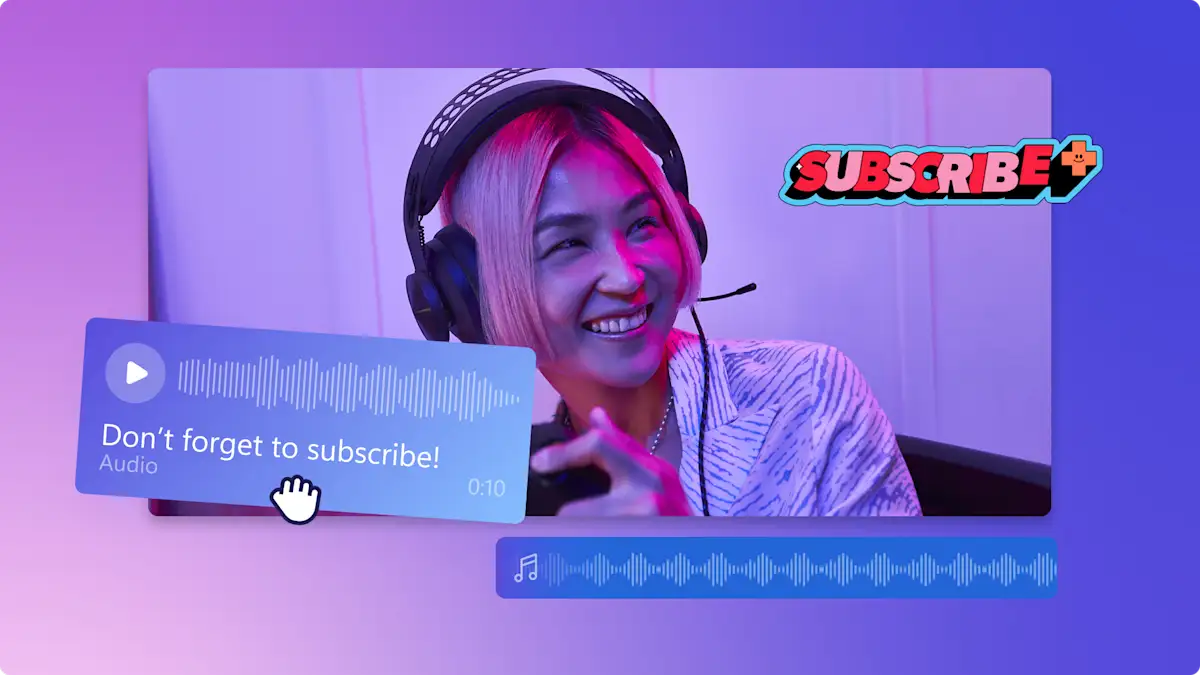
क्या आप YouTube वीडियो, Reels या Educational content के लिए professional voiceover बनाना चाहते हैं? अब महंगे microphones और voice actors की ज़रूरत नहीं। AI audio tools की मदद से आप घर बैठे ही professional voice बना सकते हैं। आज हम जानेंगे 2025 के सबसे अच्छे free AI Voiceover tools जो Hindi में भी काम करते हैं।
---🎤 AI Voiceover Tools Kya Hote Hain?
ये ऐसे tools होते हैं जो आपके द्वारा लिखे गए text को इंसानी आवाज़ में convert कर देते हैं। अब इनकी quality इतनी real होती है कि सुनने वाला पहचान नहीं पाता कि ये AI-generated है।
---🔥 2025 के Best Free AI Voiceover Tools
1. Play.ht
- Hindi + English दोनों सपोर्ट करता है
- High-quality human-sounding voice
- Export MP3 & WAV formats
2. ElevenLabs
- Emotion-based voice output
- Best for storytelling, podcast, and drama
- Free plan में limited characters
3. LOVO AI
- YouTube, Ads, Reels के लिए optimized
- Real-time preview & customization
- Hindi accents available
4. TTS Demo (Google Cloud)
- Simple UI, quick export
- Google ki AI voice engine
- Custom pitch and speed settings
💡 Use Cases (किनके लिए Useful है?)
- 🎓 Students: Audio notes, presentation voiceovers
- 🎥 Content Creators: Reels, YouTube Shorts, faceless videos
- 💼 Developers: App onboarding voice, demo instructions
- 🎙️ Podcasters: Narration, script-based episodes
🛠️ Voiceover Kaise Banaye? (Step-by-Step Guide)
- 📄 पहले अपना script लिखें (Hindi या English)
- 🌐 ऊपर बताए गए किसी भी tool की site खोलें
- 🎤 Voice select करें (male/female)
- 🎚️ Pitch, speed, emotion adjust करें
- ⬇️ Export करें audio (MP3 या WAV)
⚖️ Voiceover AI vs Real Human Voice
| Aspect | AI Voice | Human Voice |
|---|---|---|
| Cost | Free / Cheap | Expensive |
| Time | 2-5 minutes | Recording, Editing time needed |
| Emotion & Depth | Moderate | High (realistic) |
💬 Pro Tips
- Short sentences better sound natural
- Always preview before exporting
- Background music use करें ताकि voiceover natural लगे
📦 Bonus: Faceless YouTube के लिए AI Workflow
- Script: ChatGPT से तैयार कराएं
- Voice: Play.ht या ElevenLabs
- Video: Canva, CapCut, या InVideo
- Upload: YouTube shorts या long format
🔚 निष्कर्ष:
AI Voiceover tools ने content creation को next level पर पहुंचा दिया है। अगर आप भी YouTube या Instagram पर grow करना चाहते हैं तो AI से voice बनाना शुरू करें — Zero cost, Zero mic, और Zero editing knowledge में!
---